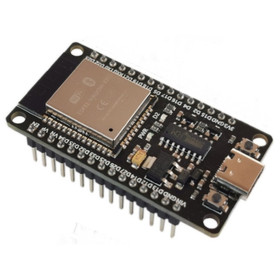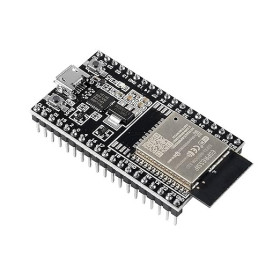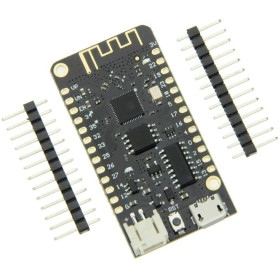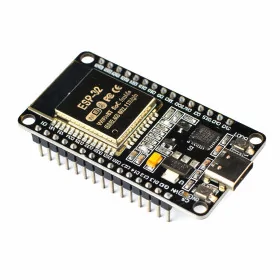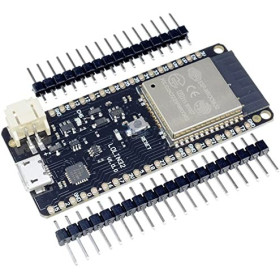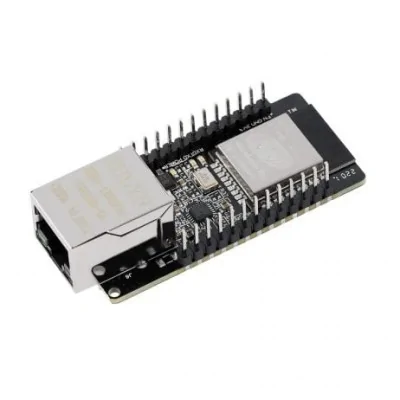


Product images are for informational purposes only and may vary slightly depending on the batch and supplier. Product specifications and prices may be subject to change without notice. We do our best to provide accurate and complete product specifications, but they may not be completely accurate. If you encounter any such situation, please let us know.
The product is intended for specialists and requires qualified and authorized personnel. The product does not include assembly/use instructions . Putting the product into operation by unqualified persons leads to the loss of the warranty according to the Terms and Conditions on the site.
The specified technical parameters (current, power, etc.) represent maximum allowable values under ideal operating conditions. For safe use and optimal lifespan, it is recommended to operate the product continuously at no more than 50% of the specified maximum values.
Wireless Gateway Module ESP32 with Ethernet, Wi-Fi, and Bluetooth, WT32-ETH01
Shipping by Thursday 22 October
Buying this product earns you Ft278.64 in loyalty points.

International fast shipping within EU. Free Shipping for orders above 100 EUR in most EU countries.

We ship from our stock within 24H

You earn points with every order, worth 5%.
The WT32-ETH01 module is a compact and versatile industrial connectivity solution designed for IoT applications requiring stable communication via cable and wireless simultaneously.
At its core is a dual-core Xtensa 32-bit LX6 microcontroller, with integrated 32 Mbit SPI flash memory and 520 KB SRAM, offering sufficient processing power for complex networking and automation applications. The module supports four data interfaces simultaneously (serial port, Wi-Fi, Ethernet, and Bluetooth) which can be combined in pairs for transparent data transmission without complicated configurations.
Supported operating modes are TCP server, TCP client, UDP server, and UDP client, thus covering most network communication scenarios. Internet or local network connectivity can be achieved both via Ethernet cable and Wi-Fi via a router, with the possibility to establish TCP/UDP connections to a user-specified server.
Firmware updates can be done wirelessly, via wired network or Wi-Fi, simplifying maintenance in hard-to-reach installations. Communication security is ensured through software encryption algorithms AES, RSA, ECC, and SHA.
The module may come with soldered or unsoldered pins, depending on the batch.
Specifications:
Microcontroller: Xtensa 32-bit LX6 dual-core
Flash Memory: 32 Mbit SPI
SRAM: 520 KB
Data Interfaces: Serial, Wi-Fi, Ethernet, Bluetooth
Network Modes: TCP server, TCP client, UDP server, UDP client
Network Protocol: IPv4, TCP/UDP
Serial Baudrate: 80 - 5.000.000 bps
Operating Temperature: -40 to +85 degrees Celsius
Software Encryption: AES, RSA, ECC, SHA
Firmware Update: OTA via Wi-Fi or Ethernet
Pins: Soldered or Unsoldered, depending on the batch
Dimensions: 25 x 63 x 17 mm
Pinout:
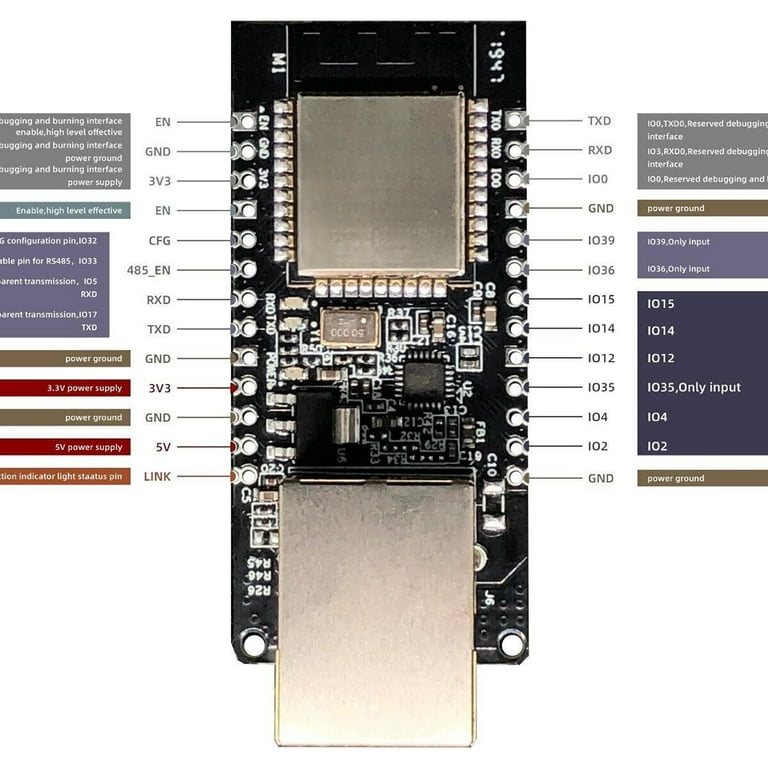
| Pin | Name | Function |
|---|---|---|
| 1 | GND | Ground |
| 2 | 3V3 | 3.3V Power Supply |
| 3 | EN | Enable (active LOW reset) |
| 4 | IO0 | Boot mode / GPIO |
| 5 | IO2 | GPIO / UART1 TX |
| 6 | IO4 | GPIO / UART1 RX |
| 7 | IO5 | GPIO / SPI CS |
| 8 | IO12 | GPIO / SPI MISO |
| 9 | IO13 | GPIO / SPI MOSI |
| 10 | IO14 | GPIO / SPI CLK |
| 11 | IO15 | GPIO |
| 12 | IO18 | GPIO / ETH MDIO |
| 13 | IO19 | GPIO / ETH TXD0 |
| 14 | IO21 | GPIO / ETH TX_EN |
| 15 | IO22 | GPIO / ETH TXD1 |
| 16 | IO23 | GPIO / ETH MDC |
| 17 | IO25 | GPIO / ETH RXD0 |
| 18 | IO26 | GPIO / ETH RXD1 |
| 19 | IO27 | GPIO / ETH CRS_DV |
| 20 | IO32 | GPIO / ADC1_CH4 |
| 21 | IO33 | GPIO / ADC1_CH5 |
| 22 | IO34 | GPIO / ADC1_CH6 (input only) |
| 23 | IO35 | GPIO / ADC1_CH7 (input only) |
| 24 | RXD0 | UART0 RX |
| 25 | TXD0 | UART0 TX |
Usage:
Connect the module to a stable 3.3V power source, ensuring the ground is common with the rest of the circuit.
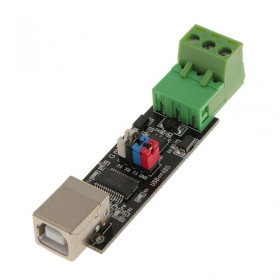
Connect the TXD0 and RXD0 pins to a USB-UART converter or to the host microcontroller for initial configuration.
Download and install ESP-IDF or Arduino IDE with ESP32 support to program the module.
Select "ESP32 Dev Module" or the equivalent WT32-ETH01 if available as a separate profile in the development environment.
Upload the test firmware or your own application via the serial port (recommended baudrate: 115200 for configuration).
For Ethernet connection, connect an RJ45 cable to the module’s integrated port and verify obtaining an IP address.
For Wi-Fi connection, configure the SSID and network password via AT command or through application code.
Test communication by opening a serial terminal and sending commands to the module configured as a TCP or UDP server.
When operating in industrial environments, ensure the ambient temperature is within the specified range and that the module is protected against humidity and vibrations.
For OTA updates, ensure the module has access to the local network and use the espota.py utility or the built-in update function in the firmware.
- Model
- WT32-ETH01
- Main IC
- ESP32
- Communication interfaces
- Wi-Fi, Bluetooth, Ethernet
Produs destinat utilizarii in proiecte electronice, automatizari, prototipare, educatie si cercetare.
Produsul trebuie utilizat numai conform specificatiilor tehnice mentionate in descriere si/sau in documentatia produsului.
Avertismente generale de siguranta:
Nu utilizati produsul la tensiuni, curenti sau temperaturi peste valorile specificate.
Montajul si conectarea trebuie realizate de persoane cu cunostinte tehnice minime in domeniul electric/electronic.
Evitati scurtcircuitele, inversarea polaritatii si conectarea gresita a alimentarii.
Nu lasati produsul alimentat nesupravegheat in timpul testelor.
Produsul nu este jucarie si nu este destinat copiilor.
Pentru modulele electronice, se recomanda utilizarea in carcase, panouri sau montaje protejate, dupa caz.
Identificare produs:
Denumirea produsului, codul/SKU-ul si caracteristicile tehnice sunt mentionate in pagina produsului si/sau pe eticheta ambalajului.
Producator / Importator / Distribuitor:
Sigmanortec S.R.L.
Calea Bucuresti nr. 9, Targu Jiu, Gorj, Romania
E-mail: [email protected]
Website: www.sigmanortec.ro
Persoana responsabila in UE:
Sigmanortec S.R.L.
Calea Bucuresti nr. 9, Targu Jiu, Gorj, Romania
E-mail: [email protected]
Documentatie si siguranta:
Pentru informatii suplimentare, fise tehnice, declaratii de conformitate sau instructiuni, ne puteti contacta la [email protected].
// WT32-ETH01 Ethernet + TCP client test
// Tested with Arduino IDE + ESP32 board package
// Board: ESP32 Dev Module | Flash: 4MB | Partition: Default
#include <ETH.h>
#include <WiFiClient.h>
// WT32-ETH01 Ethernet pin configuration
#define ETH_CLK_MODE ETH_CLOCK_GPIO0_IN
#define ETH_PHY_POWER 16
// TCP server to connect to
const char* host = "192.168.1.100";
const int port = 8080;
bool eth_connected = false;
// Ethernet event handler
void WiFiEvent(WiFiEvent_t event) {
switch (event) {
case ARDUINO_EVENT_ETH_START:
Serial.println("ETH started");
ETH.setHostname("wt32-eth01");
break;
case ARDUINO_EVENT_ETH_CONNECTED:
Serial.println("ETH cable connected");
break;
case ARDUINO_EVENT_ETH_GOT_IP:
Serial.print("IP Address: ");
Serial.println(ETH.localIP());
eth_connected = true;
break;
case ARDUINO_EVENT_ETH_DISCONNECTED:
Serial.println("ETH disconnected");
eth_connected = false;
break;
default: break;
}
}
void setup() {
Serial.begin(115200);
WiFi.onEvent(WiFiEvent);
// Start Ethernet — parameters specific to WT32-ETH01
ETH.begin(
1, // PHY address
ETH_PHY_POWER, // Power pin
23, // MDC pin
18, // MDIO pin
ETH_PHY_LAN8720,
ETH_CLK_MODE
);
}
void loop() {
if (!eth_connected) { delay(500); return; }
WiFiClient client;
if (!client.connect(host, port)) {
Serial.println("TCP connection failed");
delay(2000);
return;
}
Serial.println("TCP connected — sending test payload");
client.println("Hello from WT32-ETH01");
unsigned long timeout = millis();
while (client.available() == 0) {
if (millis() - timeout > 3000) {
Serial.println("Server timeout");
client.stop(); return;
}
}
while (client.available()) {
Serial.write(client.read());
}
client.stop();
delay(5000);
}